
MoltBot: What It Is, How It Works, and Step-by-Step Setup Guide
What Is MoltBot?
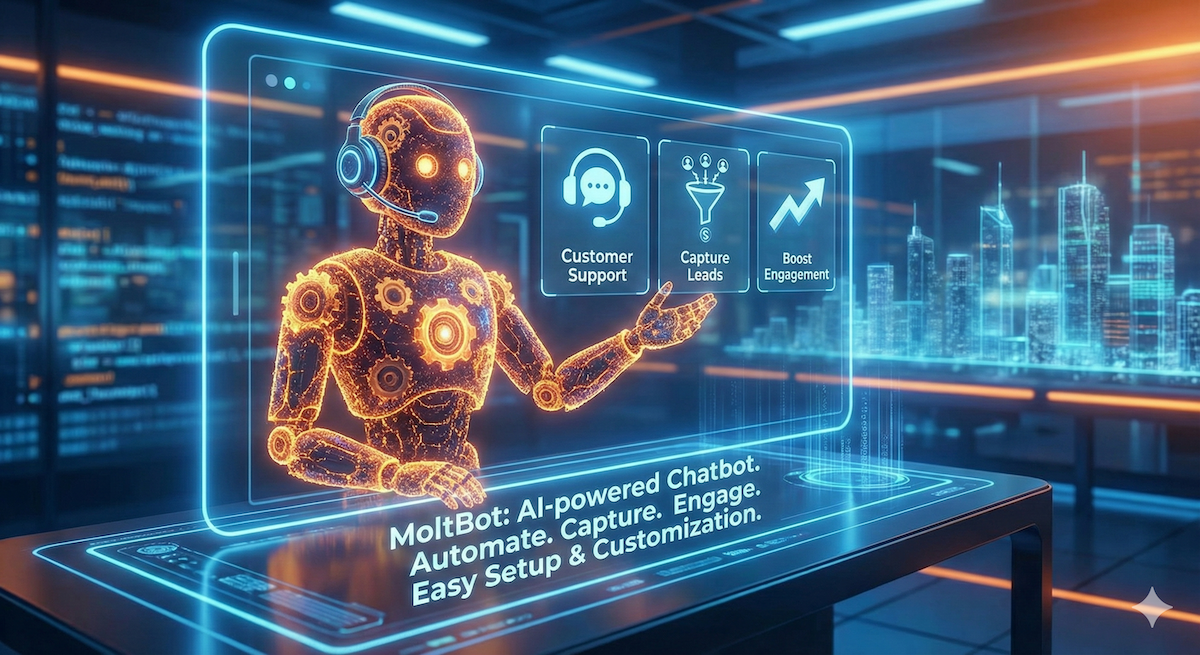
MoltBot is an AI-powered chatbot platform designed to automate customer conversations, lead generation, and support across websites and digital channels. It helps businesses engage visitors in real time, answer common questions instantly, and collect qualified leads without manual effort.
MoltBot can be integrated into websites, landing pages, and applications to provide 24/7 assistance using predefined flows or AI-driven responses.
Why Use MoltBot?
MoltBot is especially useful for startups, SaaS platforms, eCommerce stores, and service-based businesses looking to improve customer engagement and reduce support costs.
Key Benefits
- 24/7 automated customer support
- Instant response to user queries
- Lead capture and qualification
- Reduced human support workload
- Easy website integration
- Scalable for growing businesses
Key Features of MoltBot
- AI-Powered Conversations – Smart replies based on user input
- Custom Chat Flows – Create predefined question-answer flows
- Lead Collection – Capture name, email, phone, and intent
- Multi-Website Support – Use one bot across multiple domains
- Analytics & Insights – Track conversations and conversions
- Easy Integration – Simple JavaScript embed code
How MoltBot Works
- A visitor lands on your website
- MoltBot chat widget appears
- User starts a conversation
- Bot responds using AI or predefined rules
- Leads or queries are stored in the dashboard
- Admin reviews analytics and user data
Step-by-Step Guide to Set Up MoltBot
Step 1: Create a MoltBot Account
- Visit the official MoltBot website
- Sign up using your email address
- Verify your account
Step 2: Create a New Bot
- Log in to the MoltBot dashboard
- Click Create New Bot
- Enter bot name and purpose (Support, Sales, Lead Generation)
Step 3: Configure Bot Responses
- Add frequently asked questions
- Define automated replies
- Configure fallback messages
- Enable AI responses if available
Step 4: Customize Bot Appearance
- Choose chat widget color
- Set welcome message
- Adjust position (bottom-right or bottom-left)
- Upload brand logo (optional)
Step 5: Generate Embed Code
- Go to Integration Settings
- Copy the JavaScript embed code
Example:
<script src="https://moltbot.com/widget.js" data-bot-id="YOUR_BOT_ID"></script>
Step 6: Install MoltBot on Your Website
For HTML / PHP / Laravel / WordPress
- Paste the embed code before </body> tag
For React / Vue / Angular
- Add the script in index.html or use dynamic script loading
Step 7: Test the Bot
- Open your website
- Start a test conversation
- Verify responses and lead capture
Step 8: Monitor & Optimize
- Check conversation logs
- Analyze lead quality
- Improve responses based on user behavior
SEO Benefits of Using MoltBot
- Improves user engagement metrics
- Reduces bounce rate
- Increases session duration
- Helps convert visitors into leads
- Enhances overall website UX
Search engines reward websites with better engagement, and chatbots like MoltBot play a direct role in that.
Best Practices for MoltBot Optimization
- Keep responses short and clear
- Use friendly, conversational language
- Always include a fallback response
- Ask qualifying questions gradually
- Regularly update FAQs
Who Should Use MoltBot?
- SaaS companies
- eCommerce stores
- Real estate platforms
- Healthcare websites
- Education portals
- Service providers
Final Thoughts
MoltBot is a powerful yet easy-to-use chatbot solution that helps businesses automate conversations, capture leads, and improve customer satisfaction. With quick installation and flexible customization, it’s an excellent choice for modern websites aiming for higher conversions and better engagement.
Tagged with
Written by Rohit Vakhariya
Passionate about sharing knowledge and insights on web development, technology, and best practices.